

SingFun

The reverse talking challenge app

Reverse
Audio
Singing

Record your voice, hear it backwards, then try to say it back. SingFun is a pocket audio toy with big keys, instant sound and zero menus.

Download on the App StoreGet it on Google PlayFree · No account · Recordings never leave your phone · iPhone, iPad, iPhone Duo & Android
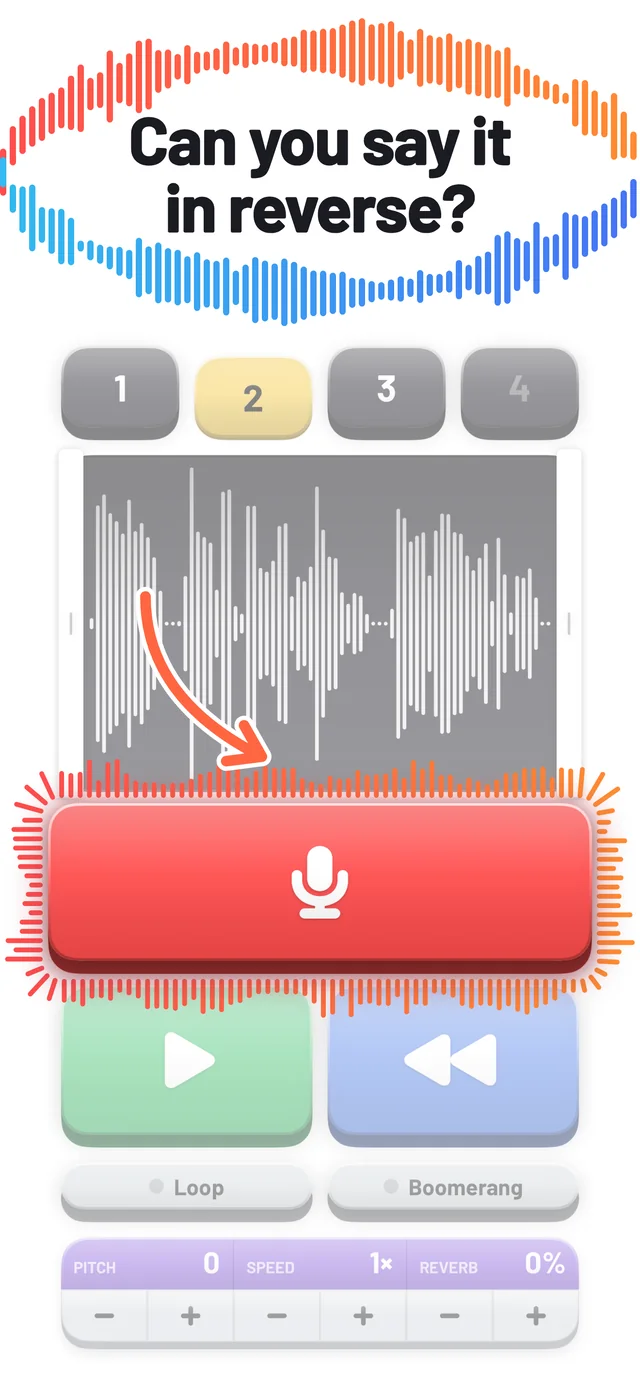
SingFun with the red Record key highlighted under the headline Can you say it in reverse?
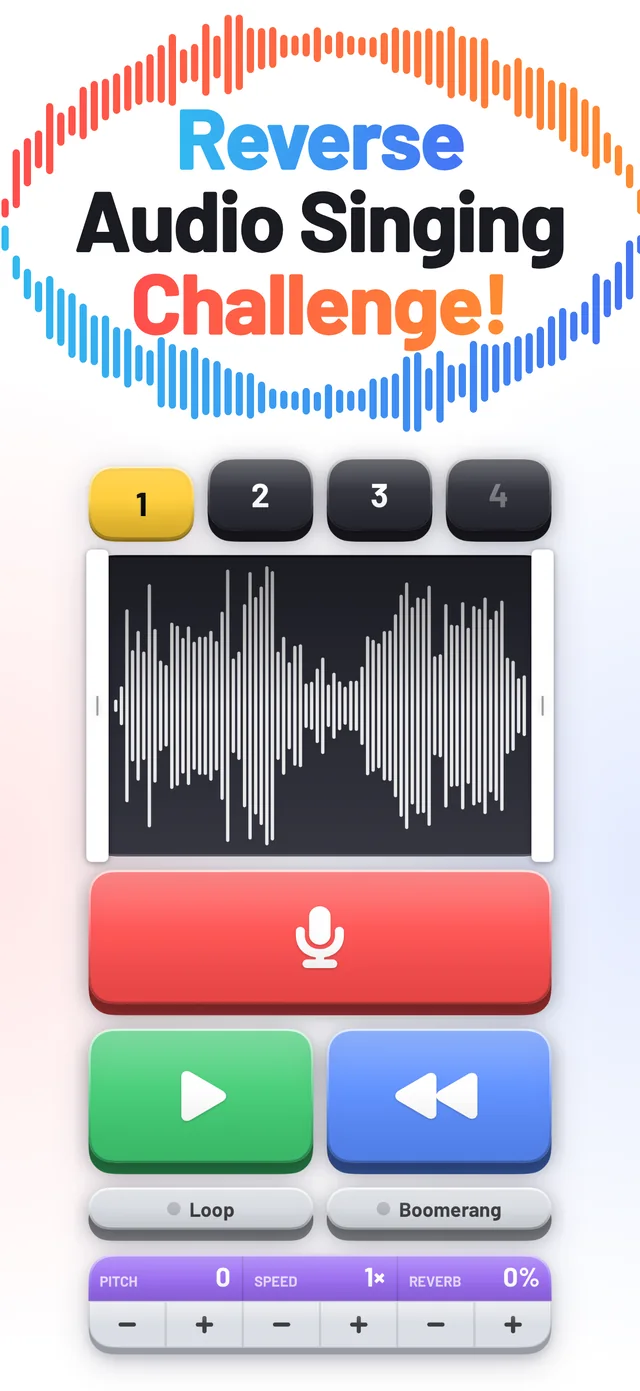
SingFun main screen: Reverse Audio Singing Challenge, four tracks, waveform, and the Record, Play and Reverse keys
Three keys. Zero menus.

Say it. Flip it. Say it back.

That is the whole game. Tap the big red key, hear your voice played backwards, and see if you can copy the sound.

Record

Say or sing anything

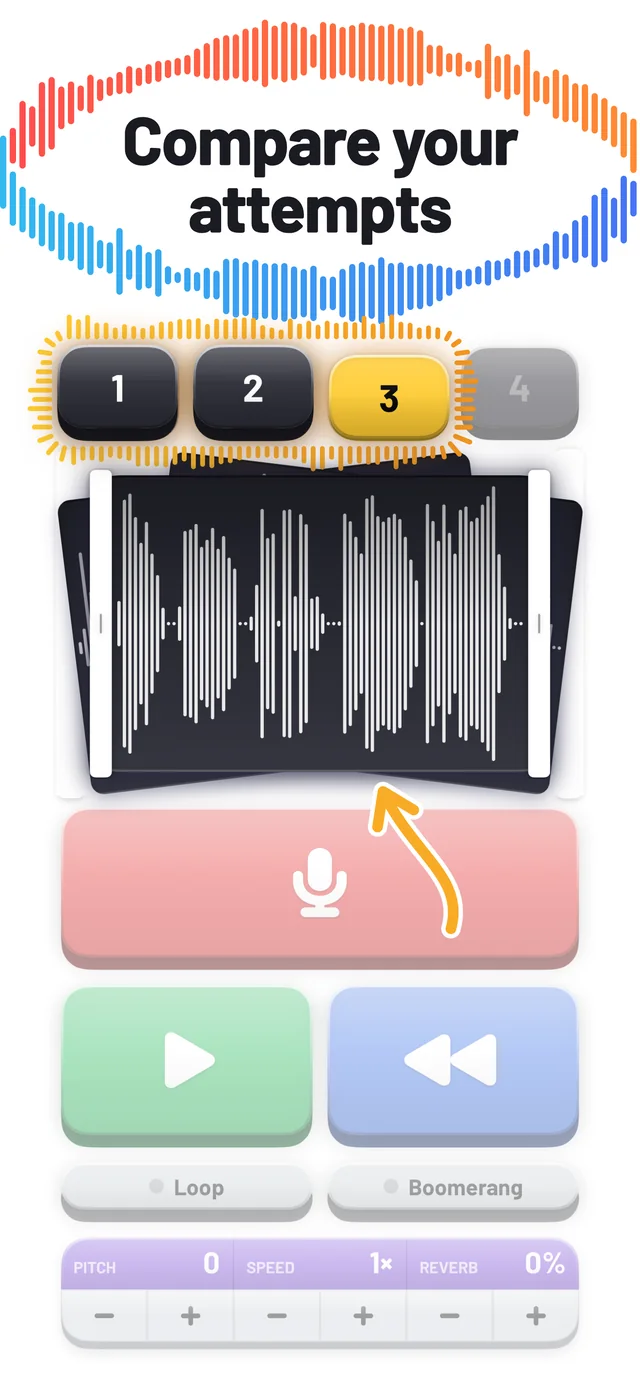
Tap once to start, again to stop. Four tracks on iPhone and six on iPad keep the original and every attempt one tap apart.

Play

Hear it as it was

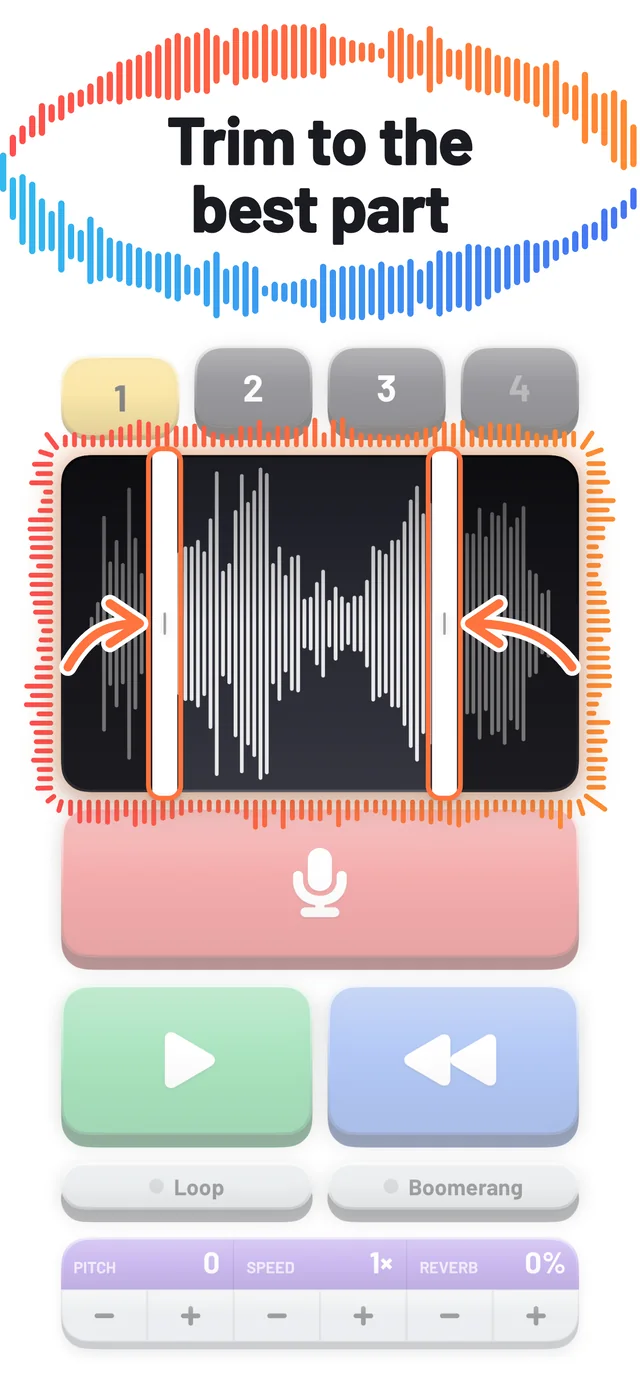
Play your take forwards at any time. Drag two handles on the waveform to keep only the best part.

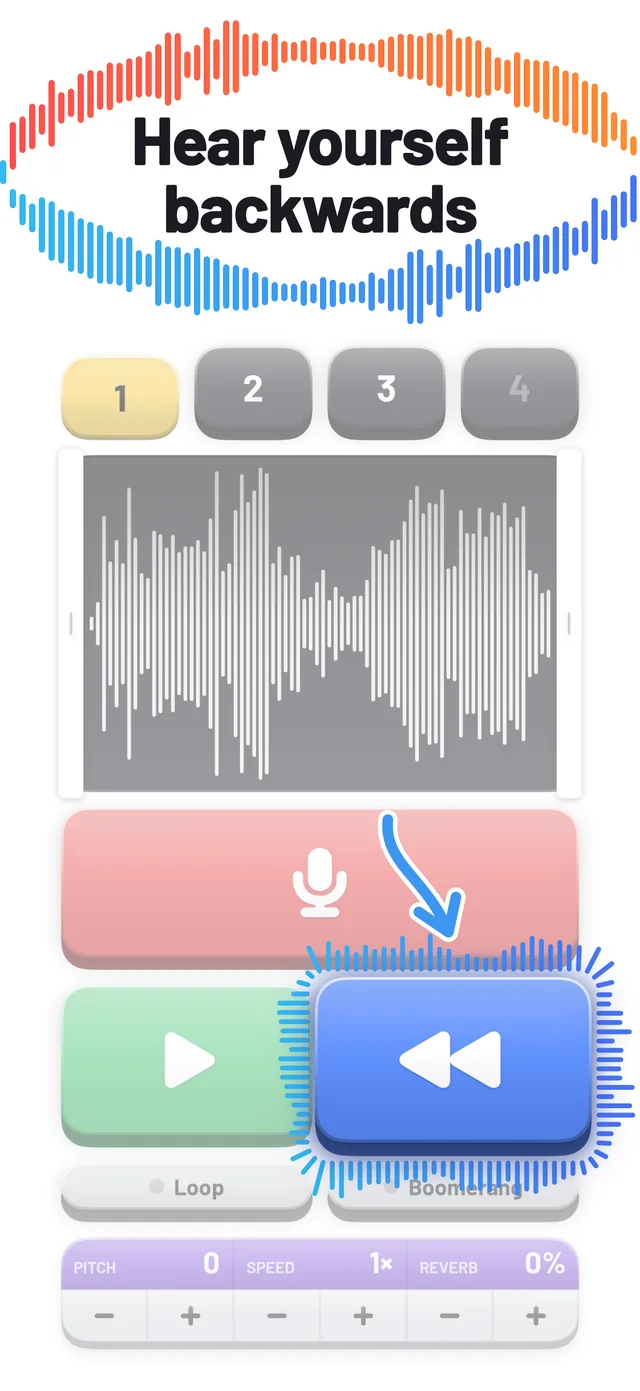
Reverse

Hear it backwards

The sound really runs backwards. Imitate it in the next track, then reverse your attempt to see if it turns back into words.

See it in action

Eight ways to play with a sound

Bonus effects

Then mess around some more

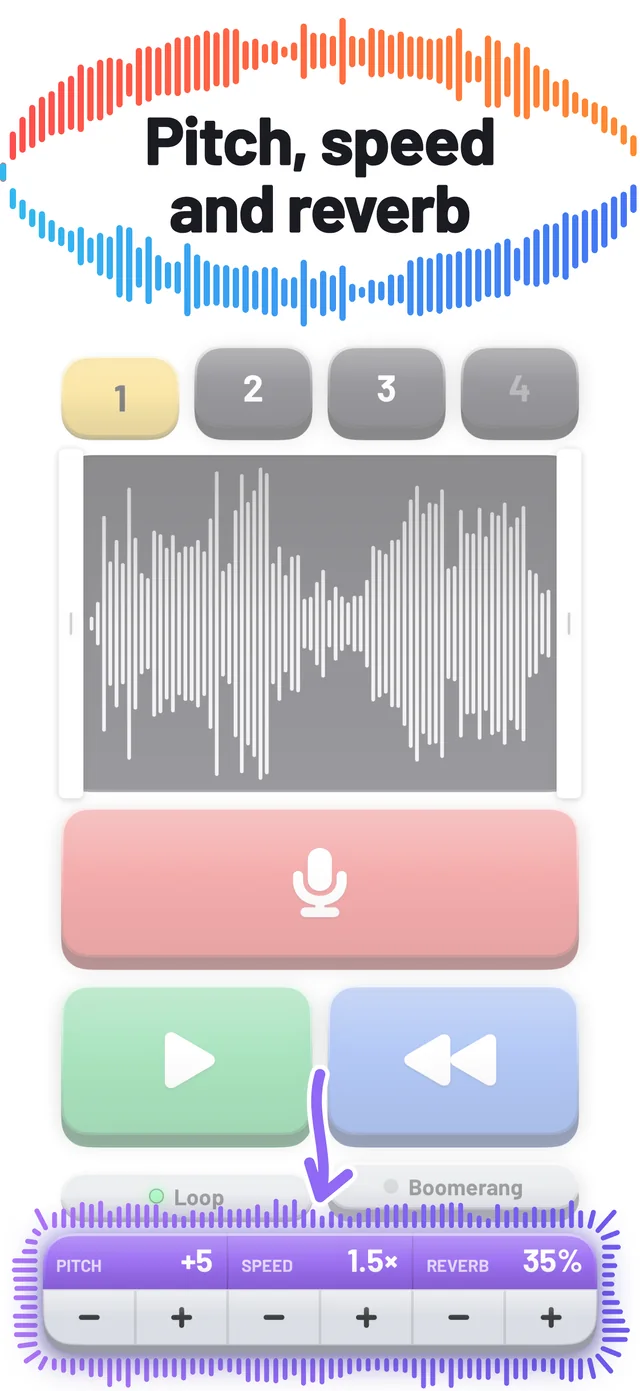
Everything changes live while the sound plays, so you can perform it, not just edit it.

Pitch

From chipmunk to monster. Shift your voice up or down by a full octave. See the voice recipes.

−12 to +12 semitones

Speed

Slow-motion or fast-forward without changing the pitch. Great for learning a phrase.

0.5× to 4×

Reverb

From a dry voice to a big hall, tweaked while it plays.

0 to 100%

Loop

Repeat a snippet until it becomes a beat, or a very annoying earworm.

Boomerang

Ping-pong a sound forwards and backwards, again and again.

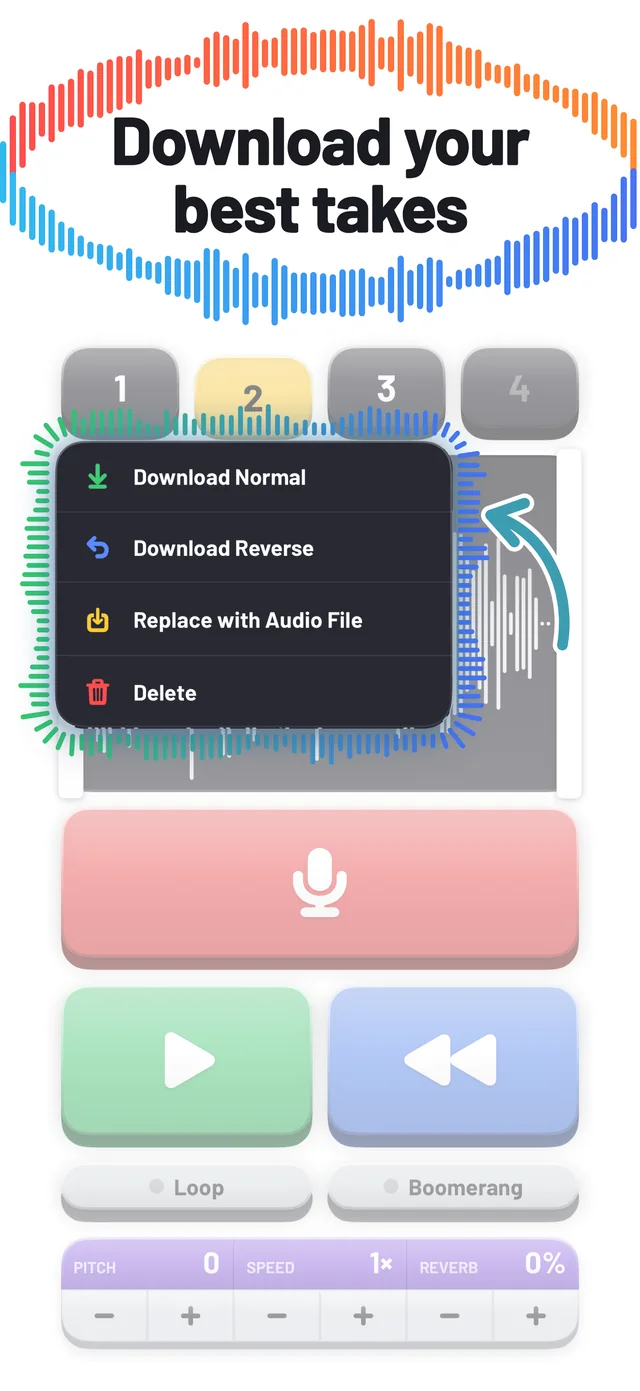
Trim & download

Pick the best part, then save it as a WAV, forwards or reversed, and send it to someone to decode.

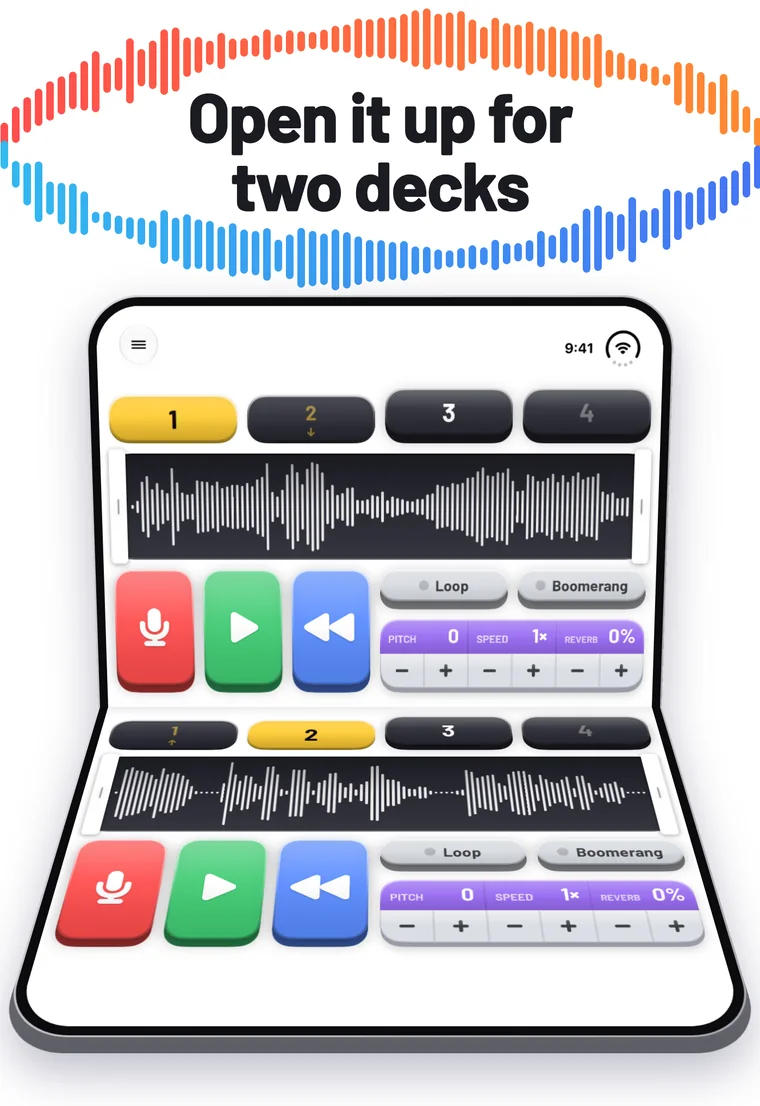
iPhone Duo opened like a book with two stacked decks and the headline Open it up for two decks
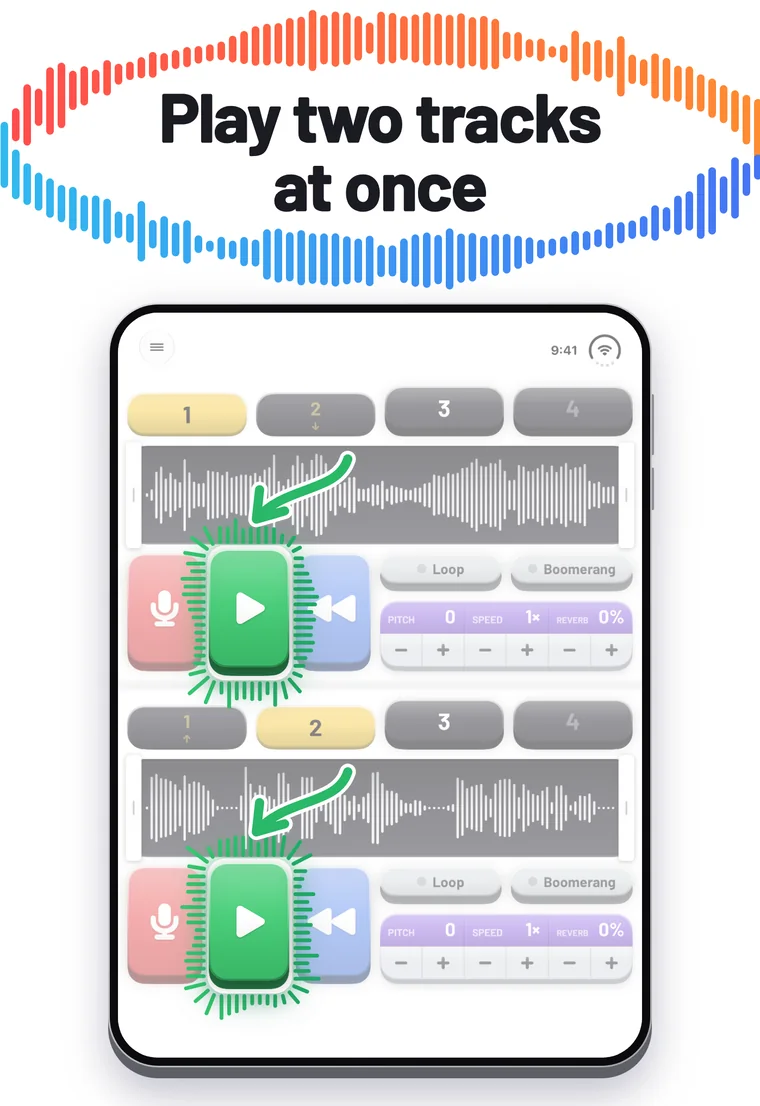
Two tracks playing at once on the two screens of an iPhone Duo
New in 1.2

Open your iPhone Duo for two decks at once

Each screen gets its own track. Play both together to compare your attempt with the original side by side, or record on one deck while the other plays.

  • Two independent decks, each with its own effects
  • Compare an attempt with the original, live
  • Fold it up and you are back to one deck
SingFun Premium

One purchase. Everything unlocked.

SingFun is free, with ads. Premium is a one-time purchase on iPhone and iPad, with no subscription.

  • No ads, ever
  • Up to 99 tracksA new empty track appears each time you fill one
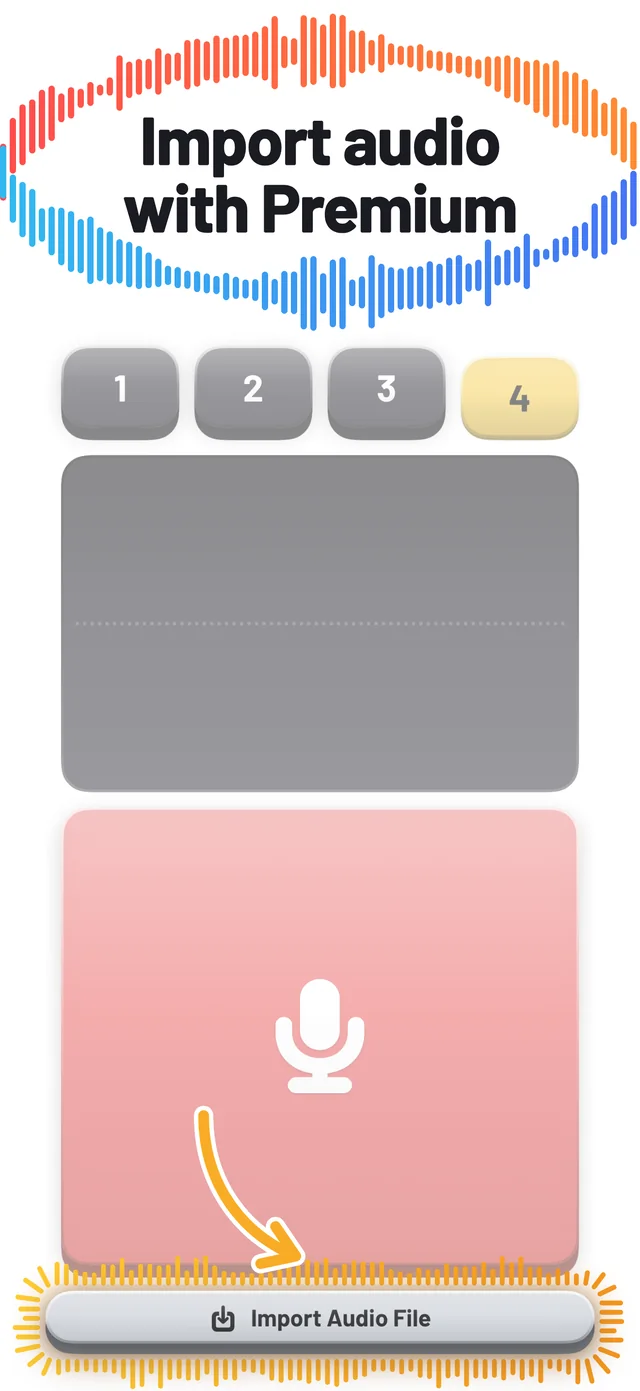
  • Import audio filesUp to 5 minutes, then trim and reverse them

Already bought Remove Ads? Premium is yours at no extra cost.

An empty track with the Import Audio File button
Track menu with Download Normal, Download Reverse, Replace with Audio File and Delete

The reverse talking challenge

Harder than it sounds, funnier than it should be. Play it alone or with friends, with a phrase or a song line.

  1. Record a short phrase
  2. Reverse it and listen a few times
  3. Record yourself imitating the backwards sound
  4. Reverse your attempt. Did it come out right?
Read the rules and tips →
From the blog

Guides, games and sound science

How to reverse audio, talk backwards, and make strange sounds on purpose.

See all 10 articles →

Questions

Quick answers

What is SingFun?

SingFun is a pocket audio toy for iPhone, iPad and Android. Record your voice, play it backwards, bend its pitch and speed, add reverb, loop it or boomerang it. It is built around the reverse talking challenge: say a phrase, hear it backwards, imitate the backwards sound, then reverse your attempt to see if it turns back into the original.

What is the reverse talking challenge?

You record a phrase, reverse it, and try to say that backwards sound out loud. Then you reverse your own attempt. If you did it well, it sounds like the original phrase. Read the full rules and tips.

Is SingFun free?

Yes. SingFun is free and supported by ads, and you can watch one short video for an hour without ads. On iPhone and iPad, a one-time purchase, SingFun Premium, removes ads for good, adds more tracks and lets you import audio files. If you bought Remove Ads in an earlier version, Premium is yours at no extra cost.

Are my recordings private?

Yes. Recordings stay on your device. There is no account, no cloud and no upload. A sound only leaves your phone when you save or share it yourself. See the privacy policy.

Can I save and share reversed audio?

Yes. Tap the highlighted track to open its menu and choose Download Normal or Download Reverse. SingFun saves the trimmed sound as a WAV file that you can send, post or keep. Here is how it works on iPhone.

Can I reverse a song or an audio file?

With SingFun Premium on iPhone and iPad you can import an audio file of up to five minutes into a track, trim it and play it backwards. The free version records with the microphone.

Which devices does it work on?

iPhone and iPad with iOS or iPadOS 17 or later, iPhone Duo, and Android phones and tablets. Download it from the App Store or Google Play.

SingFun app icon

Ready to hear yourself backwards?

Free for iPhone, iPad and Android. No account, no setup.

Download on the App StoreGet it on Google Play